Business Context
Japan is replacing paper pre-clearance with a digital system, modeled on the US ESTA.
J-ESTA (Japan Electronic System for Travel Authorization) is a new digital pre-clearance system for visitors from 71 visa-exempt countries. We proposed the design directly to Hitachi - GlobalLogic's parent company - with a target release of 2028.
The Problem
The current process is dated, and every family member starts from zero.
Visitors today go through an old-style web and mobile process - no shared data across family members, no digital identity once approved, and a physical passport you still have to carry and produce on demand.
Constraints
—Had to work within Japan's existing visual identity - the government's current app is blue, and departing entirely risked feeling unfamiliar to returning users
—Family travel is the norm, not the exception - any redesign had to solve for groups, not just solo travelers
—A digital identity replacing a physical passport raises real verification and trust questions with local authorities, not just UX ones
My Leadership Role
I designed it, and the E-Card idea was mine.
I created the app screens Hitachi is evaluating for the 2028 release, working through GlobalLogic's relationship with its parent company. The E-Card - the single idea that most changed the direction of the proposal - wasn't a brief I was handed. It was mine.
Leadership Scope
Cross-functional collaboration
—Led design for the proposal end to end, working through GlobalLogic's relationship with parent company Hitachi
—Originated the E-Card concept - the single idea that most changed the direction of the proposal
Critical Product Decisions
01
The E-Card: stop carrying a passport, start verifying digitally
Instead of another form-filling app, propose a digital ID that lets a tourist verify their identity with local police directly from their phone, renew their application, and manage their whole trip from one card.
02
One shared record for the whole family
Add family members once, then reuse a single shared address and communication details across every family member's application - instead of each person re-entering the same information.
03
Two color directions, deliberately
Blue matches Japan's current government app - continuity for returning users. Red is the proposal's own direction, chosen to represent Japanese culture and national identity, not just to match a government UI convention.
Execution
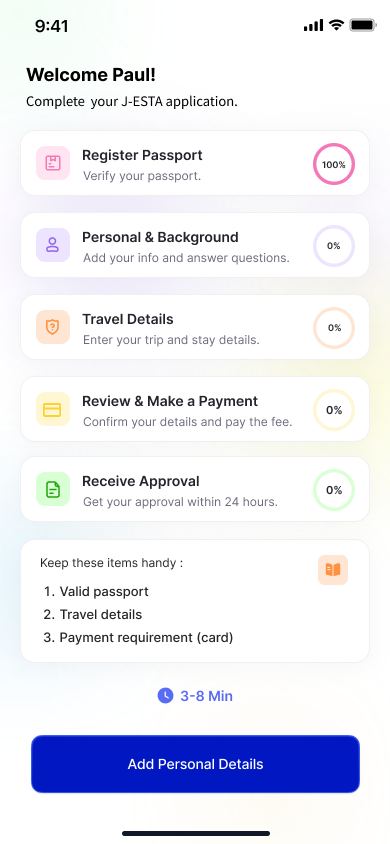
The full flow: choose your country and check eligibility, create an account, verify your passport via live camera capture, fill personal and travel details, review and pay, and receive approval - roughly 8–12 minutes total, family members included. Once approved, the E-Card becomes the traveler's primary credential - tap to verify with local police, renew, or manage family applications, all from the card itself.
Evidence
signup → e-card · both color directions
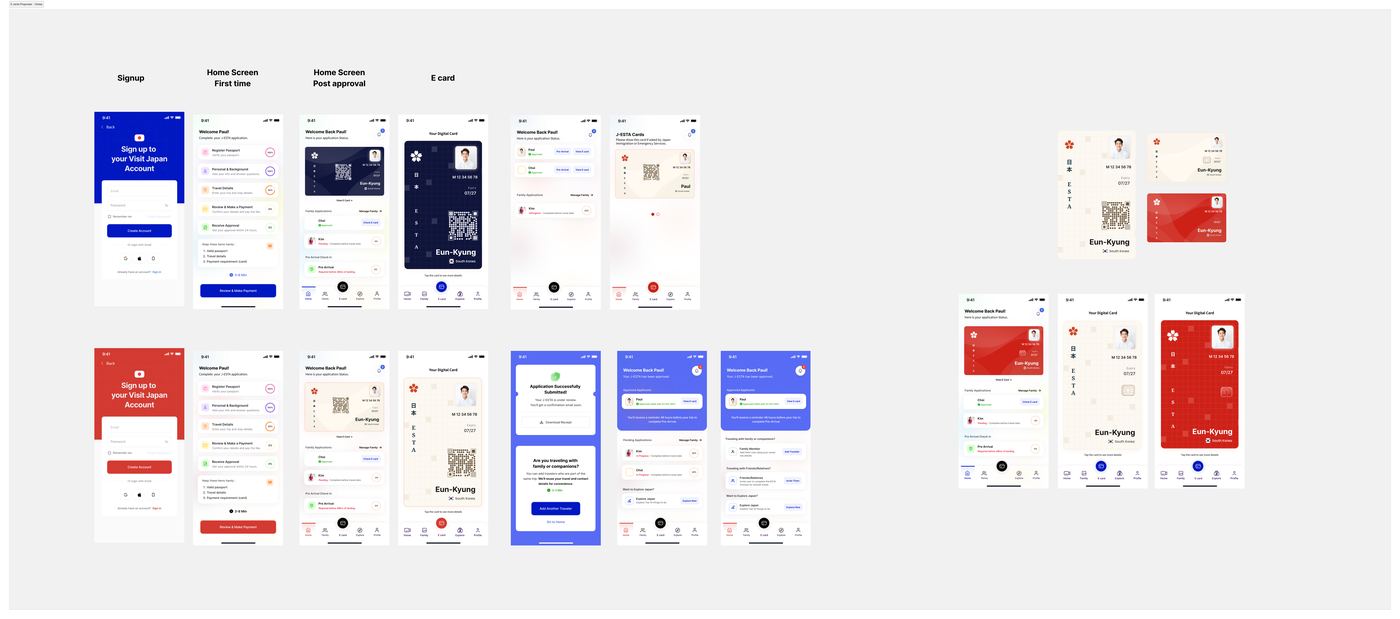
The complete flow, signup to E-Card, in both color directions - blue for continuity, red for identity.
the full flow · step by step
Step 01–04 · Get Started
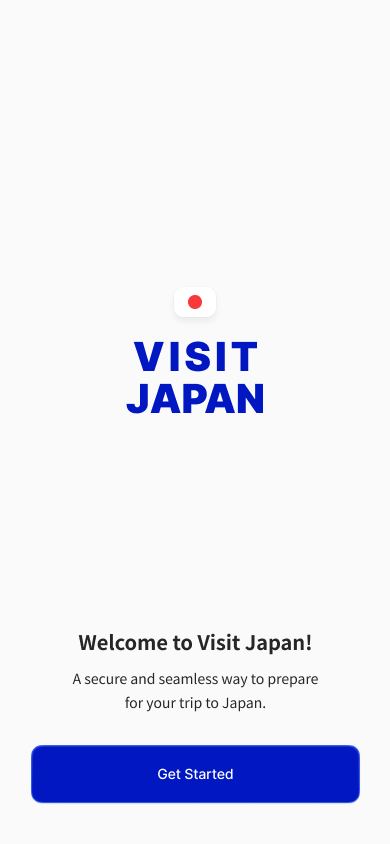
Splash
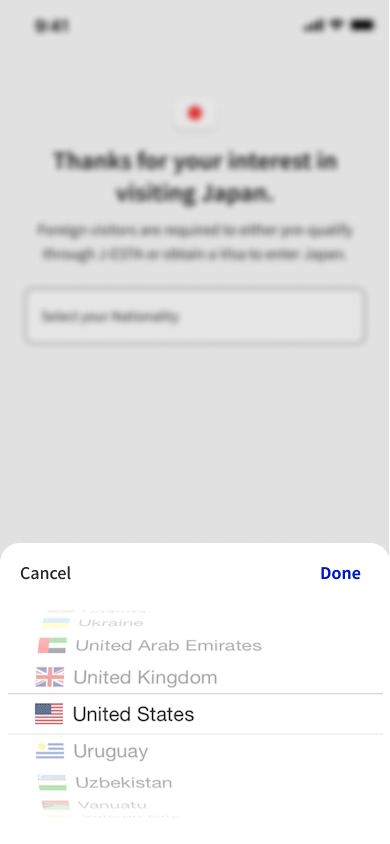
Choose Country
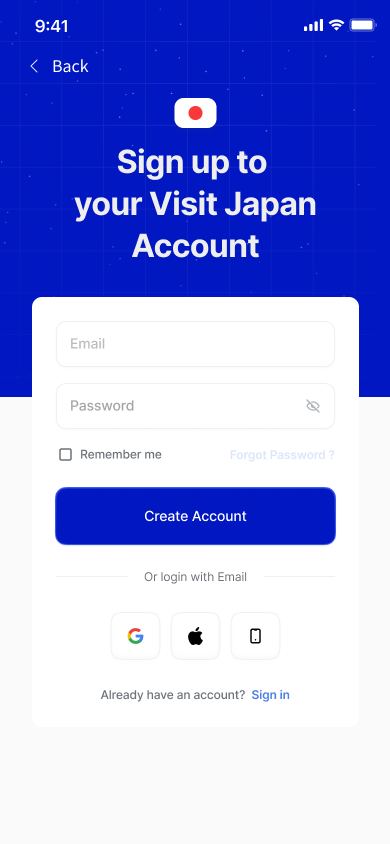
Create Account
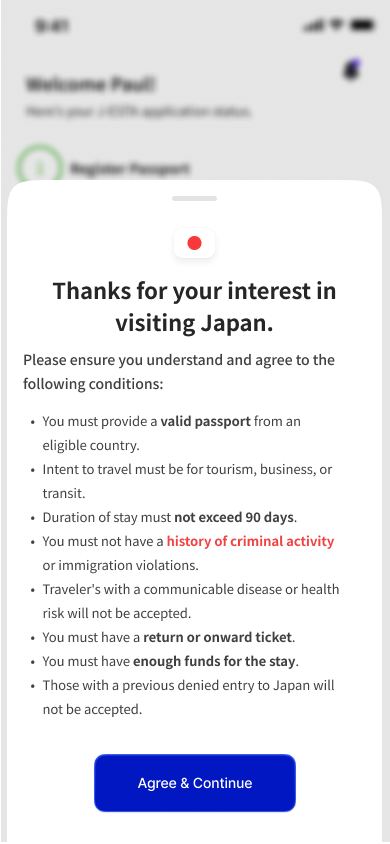
Terms & Conditions
Step 05–08 · Verify Identity
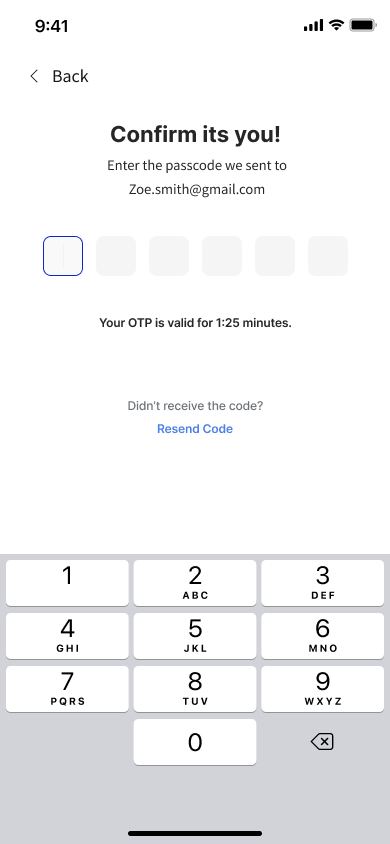
OTP
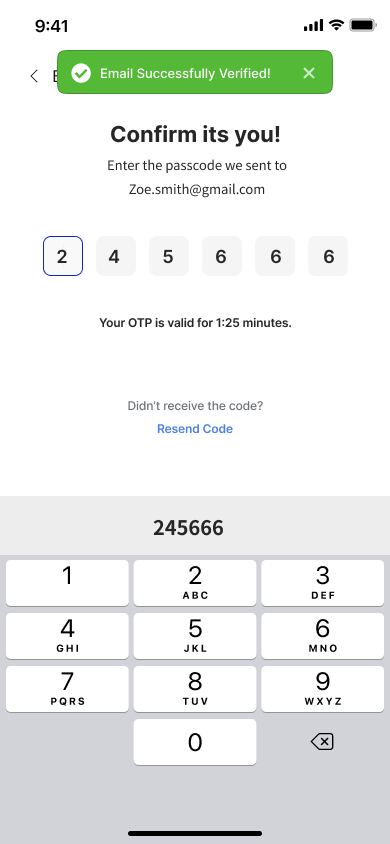
OTP Verified
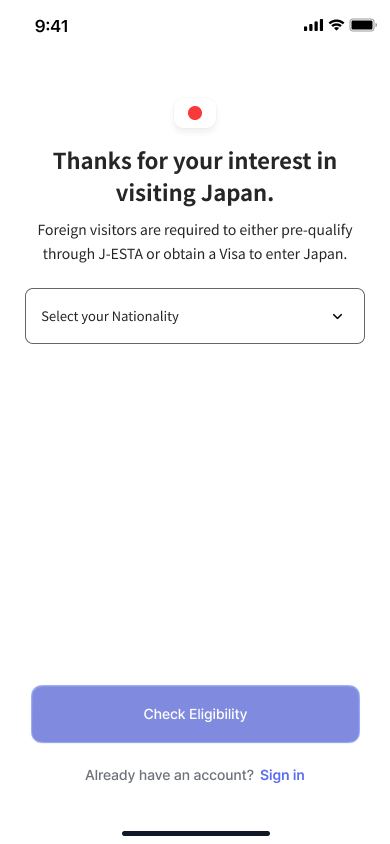
Eligibility Check
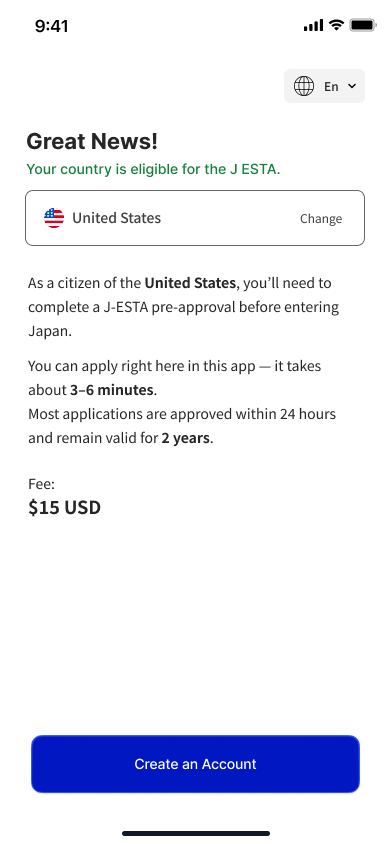
Eligible Confirmation
Step 09–12 · Capture Passport
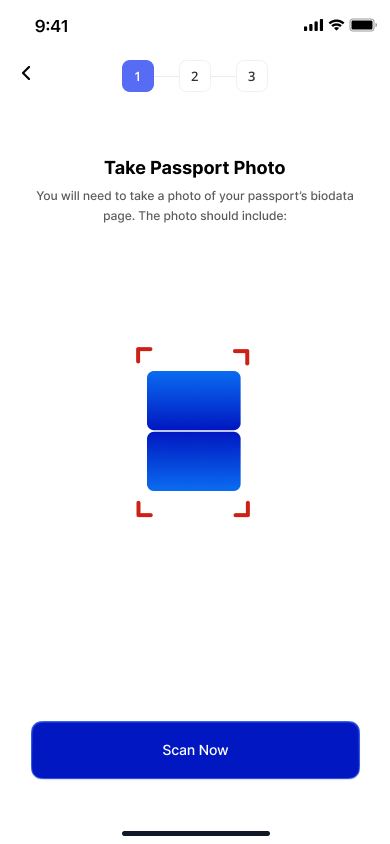
Scan Passport - Start
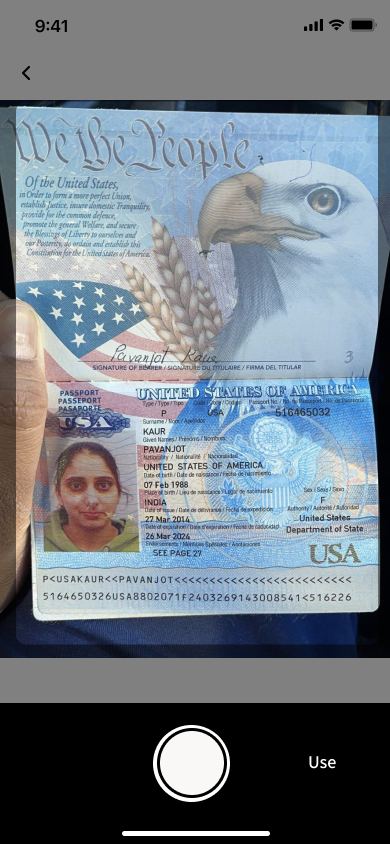
Live Camera Capture
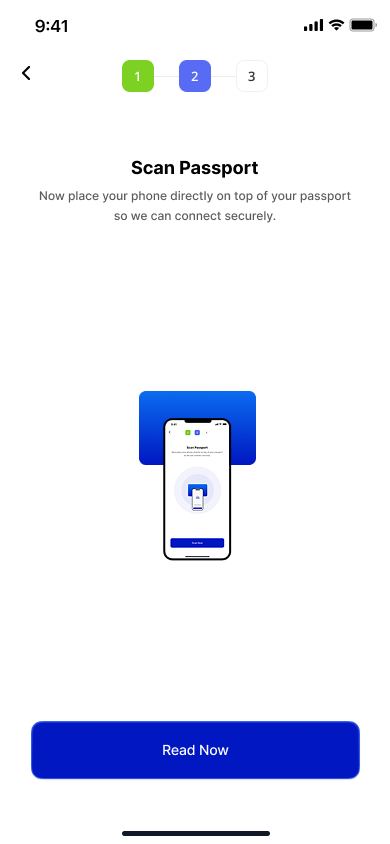
Reading Passport
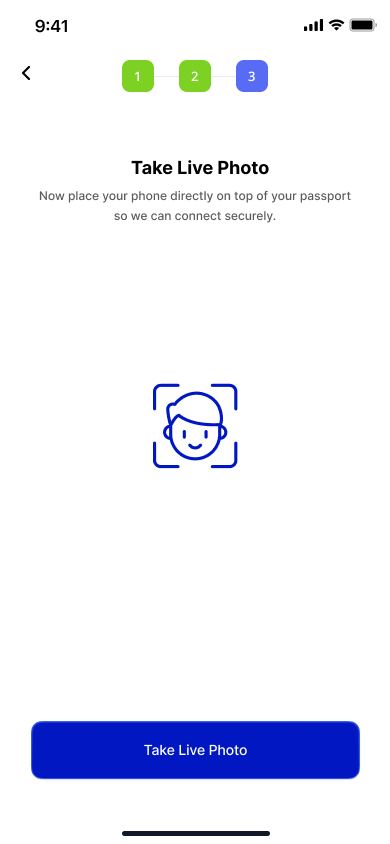
Verification Summary
Step 13–16 · Confirm & Activate
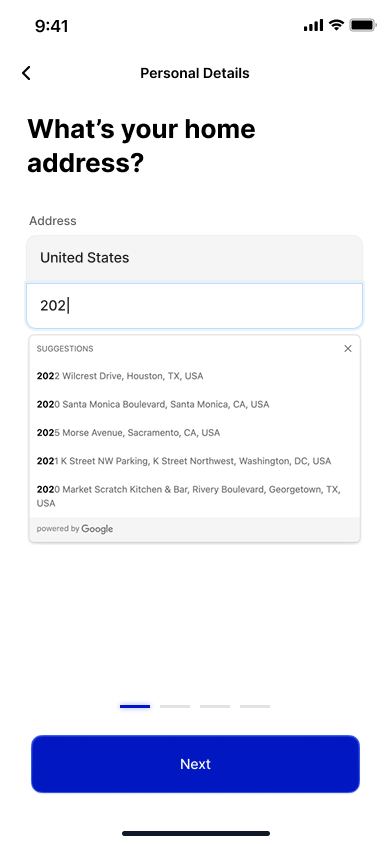
Personal Details
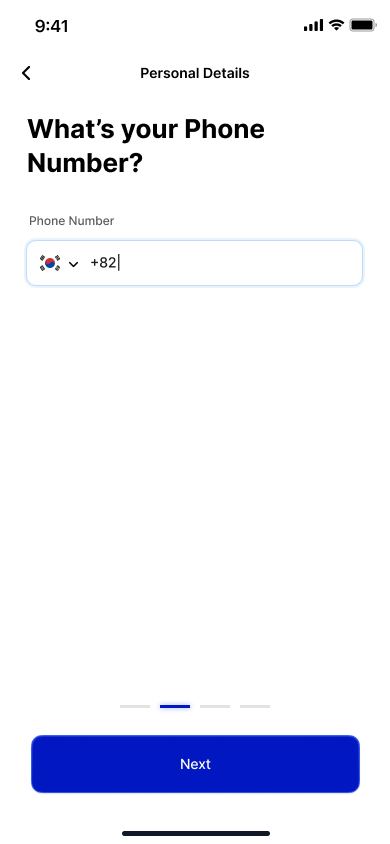
Address - Shared Family Record
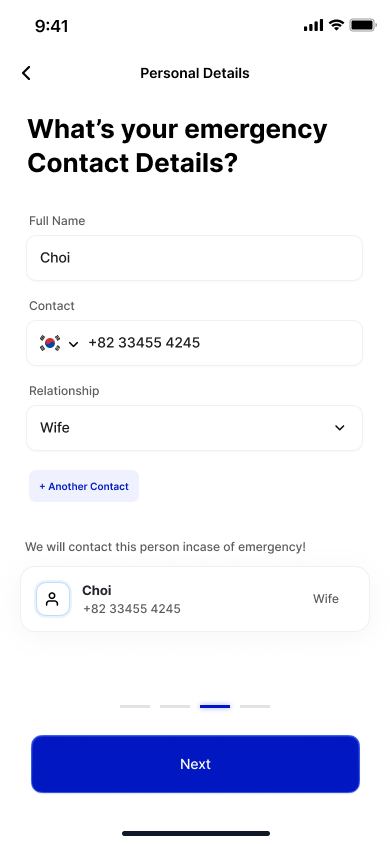
Review Details
Home - E-Card Active
Sixteen screens, the full path from splash screen to an active E-Card - go row by row to walk through onboarding, verification, passport capture, and activation.
Outcome
Proposal stage
Hitachi is evaluating this for the app's 2028 release. The E-Card direction was the biggest single idea in the proposal - replacing a physical passport with a digital identity a traveler can actually use at the border.
Reflection
Designing government-scale identity systems means the real constraints aren't visual - they're about trust. A tourist's willingness to rely on a phone instead of a passport matters more than any single screen.